As-built documentation for owners, GCs and trades
Every sheet, one search away.
Turn as-built PDF sets into a searchable record. Group the sheets into documents, tag the values that matter, and give everyone on the project the access they need.
7 sheets mention fire riser
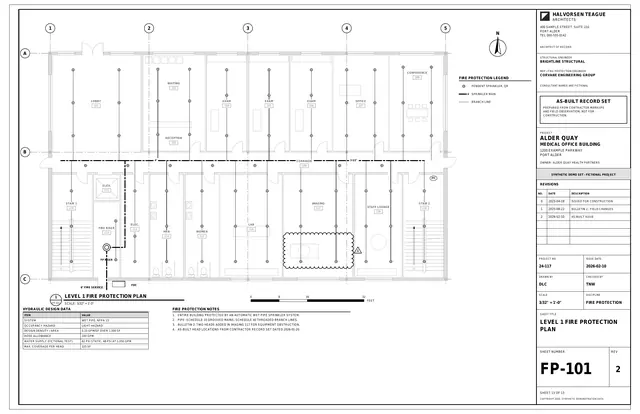 FP-101Level 1 Fire Protection PlanFire protection
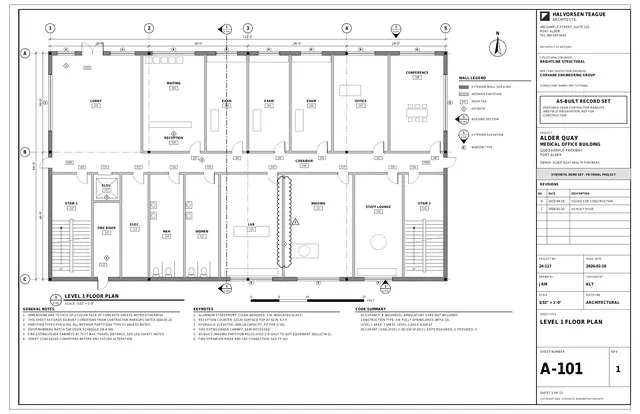 A-101Level 1 Floor PlanArchitectural
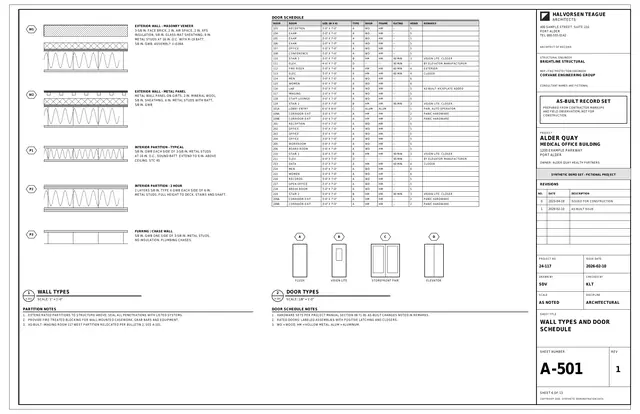 A-501Wall Types and Door ScheduleArchitectural
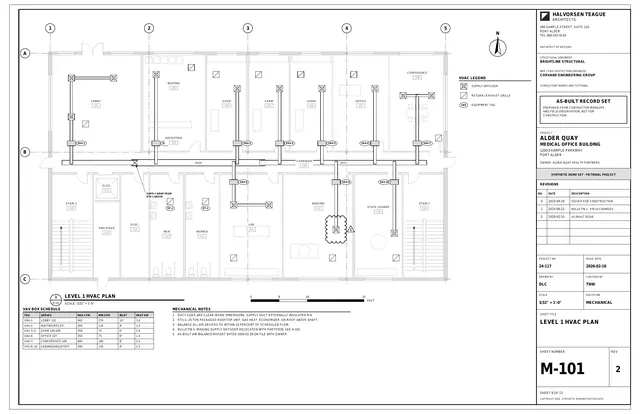 M-101Level 1 HVAC PlanMechanical
- + 3 more sheets
Organize
From a stack of PDFs to a set you can browse.
Sort the pages, group the sheets into documents, and record the drawing number and title on each one. You approve every value.
Search
Then find any sheet in the set.
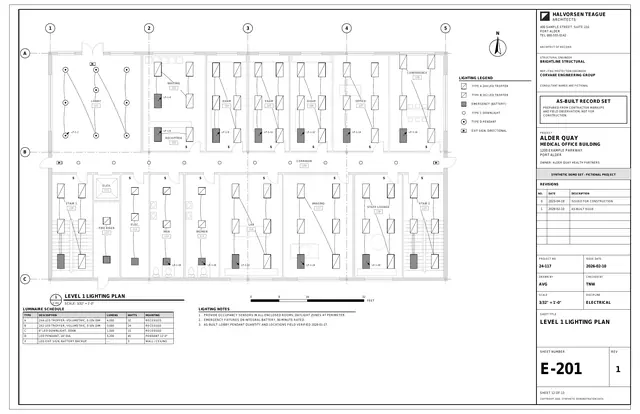
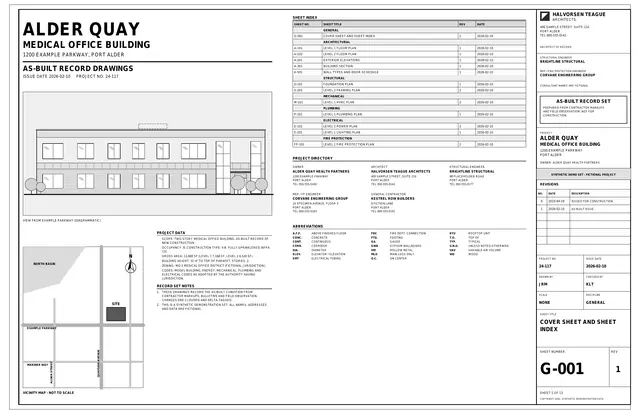
Search for "fire riser" and go straight to every sheet that mentions it: FP-101 and six others.
Search
Search it the way you remember it.
Search by the number on the title block, by any text on the page, or by the values you tagged.
1 sheet
2 sheets
2 sheets
Your data
Not a folder of PDFs. A database of your as-builts.
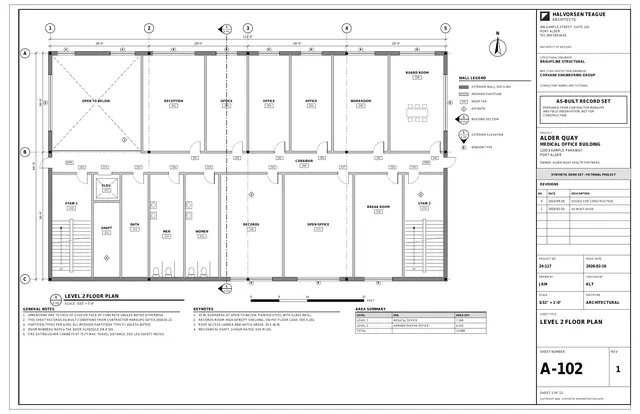
Every value you tag, from drawing numbers to your own custom fields, becomes data you can search and filter. Ask for every MEP sheet, or every sheet on its second revision, and get the list.
| Sheet number | Sheet title | Document | Rev |
|---|---|---|---|
| G-001 | Cover Sheet and Sheet Index | General | 1 |
| A-101 | Level 1 Floor Plan | Architectural | 1 |
| A-102 | Level 2 Floor Plan | Architectural | 1 |
| A-201 | Exterior Elevations | Architectural | 1 |
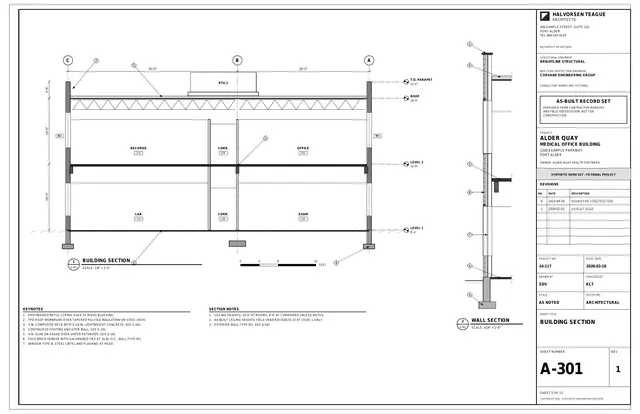
| A-301 | Building Section | Architectural | 1 |
| A-501 | Wall Types and Door Schedule | Architectural | 1 |
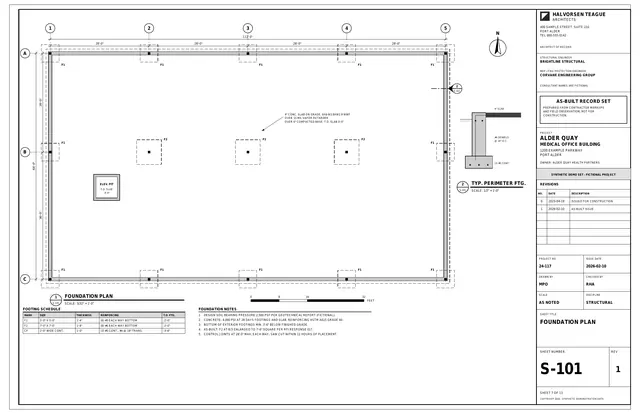
| S-101 | Foundation Plan | Structural | 1 |
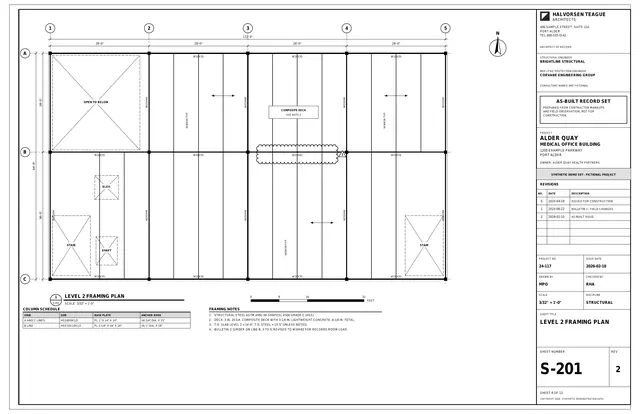
| S-201 | Level 2 Framing Plan | Structural | 2 |
| M-101 | Level 1 HVAC Plan | MEP | 2 |
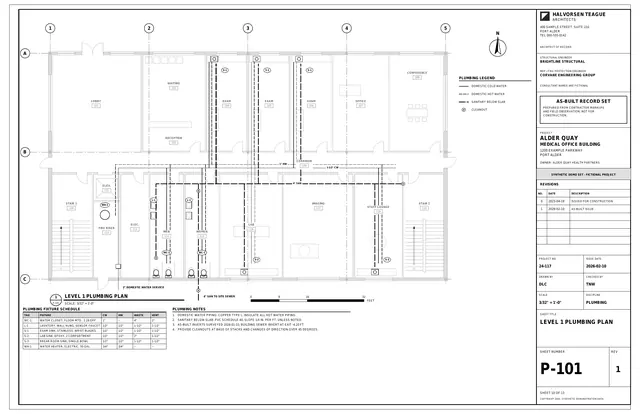
| P-101 | Level 1 Plumbing Plan | MEP | 1 |
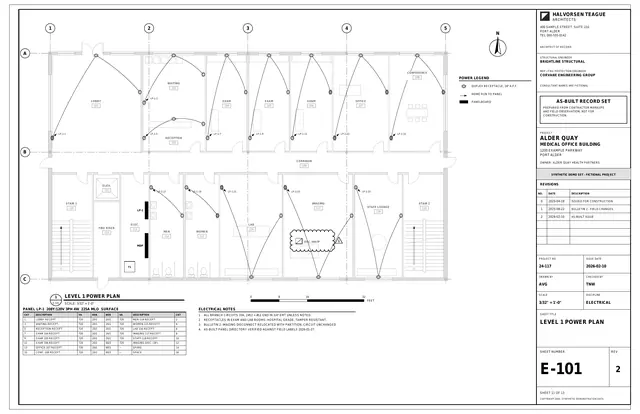
| E-101 | Level 1 Power Plan | MEP | 2 |
| E-201 | Level 1 Lighting Plan | MEP | 1 |
| FP-101 | Level 1 Fire Protection Plan | Fire protection | 2 |
Organize
From a stack of PDFs to a set you can browse.
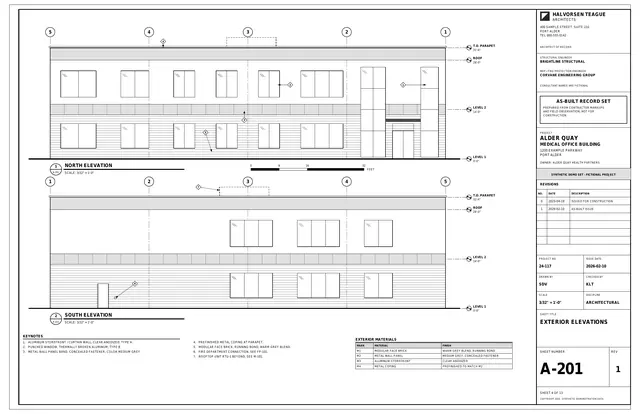
Sort the pages, group the sheets into documents, and record the drawing number and title on each one. You approve every value.
General 1
Architectural 5
Structural 2
MEP 4
Fire protection 1
Access control
Access control, your way.
Set the rules once for your organization, then change them for any project that runs differently. Choose whether other trades see nothing, see titles only, or can open each other's documents. Choose who can upload, and whether general contractors can see each other. Anyone who needs more can request access, and an admin approves or declines.
Who can upload
Companies engaged on the project
General contractors see each other
Off
Each setting starts from your organization's default. Change any of them for this project.
The Exchange
Find the record you need, even when someone else holds it.
List a project's as-builts on the Exchange so other organizations can find them. Search the Exchange for records others hold and request a copy. The holder approves or declines every request.
- Request sent
- Holder reviews
- Copy delivered
Early access AI document processing
Automated document processing.
We use AI to extract information and metadata from each sheet, so your documents become searchable without typing every field by hand. You always have the final say: nothing is saved until a person accepts it, and any suggestion can be rejected and corrected.
We are opening this to a small group of pilot organizations, and it stays off unless your organization opts in. Ask about it when you request access.
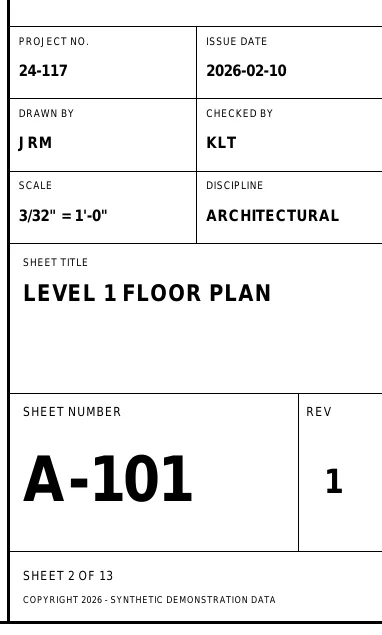
Sheet number
A-101
Type the correct value, or leave it blank.
Sheet title
LEVEL 1 FLOOR PLAN
Type the correct value, or leave it blank.
Scale
3/32" = 1'-0"
Type the correct value, or leave it blank.
Rev
1
Type the correct value, or leave it blank.
Coming soon Procore import
Already in Procore? Bring it straight over.
Import drawing sets directly from your Procore projects, without downloading and re-uploading the PDFs.
Currently in development. Mention Procore when you request access and we will tell you when it is ready.
Access
Everyone on the project. Only what they need.
Owners
Hold the as-built record for your facilities and decide who sees it.
General contractors
Collect and organize the as-builts for the projects you deliver.
Trade contractors
Upload the as-builts you produce, and request access to documents from other trades.
Give your as-builts a home.
Tell us you are interested and we will be in touch about access.